Cable Design Lab
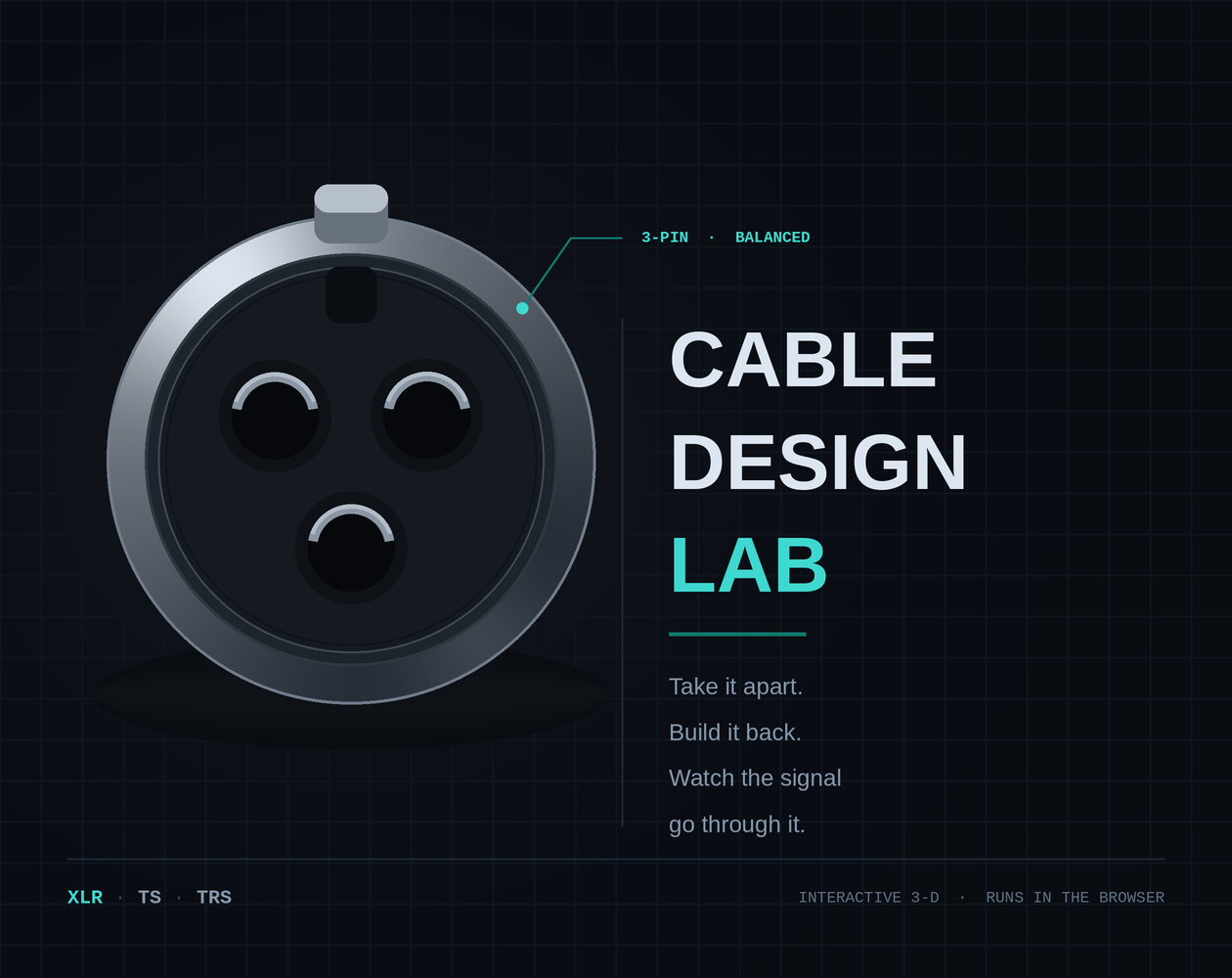
Cable Design Lab is an interactive 3-D lab for the three cables a beginning audio student actually touches: the XLR microphone cable, the TS instrument cable, and the TRS. You can rotate them, pull them apart layer by layer, wire them up, decide what is plugged in at each end, and then switch the signal on and watch it travel through the conductors you just built.
It runs in the browser. Nothing to install and no account to make.
Why cables are worth this much attention!
Everything you record passes through cable before a single plugin sees it. A microphone produces a few thousandths of a volt, and that signal has to survive a run across a room full of dimmers, power amplifiers and laptop supplies before it reaches a preamp. Whatever the cable fails to protect is now permanently part of the recording, and no amount of skill later in the chain removes it.
Which is why the same few problems account for most of the bad audio a beginner produces, and none of them are mixing problems. A hum that no EQ will fully remove, because it is an unbalanced run past a transformer. A guitar that sounds dull no matter what the amp does, because the cable's capacitance is loading the pickup.</li>
Two microphones on one source that go thin when summed, because one cable has pins 2 and 3 swapped. A signal that arrives far too quiet or hopelessly distorted, because a microphone-level output went into a line input or the reverse. Every one of those is diagnosable in seconds if you understand what is inside the cable, and close to unfindable if you do not.
The seven layers
What the cable is, what it is for, and what it is.
Take It Apart. Pull the cable open with the explode slider or cut it lengthwise and look down the cross-section. Click any part for what it does and what happens when it is missing.
Wire It. Put the parts back in the order they physically go, then terminate the connector step by step.
Configure It. Choose what is plugged in at each end and watch the signal-level classification change with it. The cable never changes. The equipment does, and that is the whole point.
Send a Signal. Switch the signal on and watch it move. On a balanced line you can disconnect the cold leg and see the differential pair collapse; you can turn on induced interference and watch it arrive on both legs equally so the receiving input can reject it.
Troubleshoot. Introduce a real fault, then work backwards from what you would actually hear in the room.
Practical Exam. The whole thing, without the explanations.
Three modes, for three different moments in a course.
Learn. Shows the explanations as you go.
Practice. Makes you answer first and then opens the explanation.
Exam. Withholds them until the end. The same content, three different amounts of scaffolding.
Leave a comment
Log in with itch.io to leave a comment.