Speaker Design Lab
Most people learn what a studio monitor sounds like. Almost nobody learns why it sounds like that.
This is a virtual loudspeaker laboratory. You choose real drive units with their published manufacturer parameters, put them in an enclosure you design, cross them over, and then interrogate the result the way you would interrogate a real loudspeaker on a measurement bench — frequency response, impedance, cone travel, group delay, step response, off-axis behaviour, maximum level — and finally listen to it, on your own audio.
Everything comes out of one set of equations. Change the box volume and the response, the load on the amplifier, the distance the cone has to travel and the sound all move together, because in a real loudspeaker they are one fact seen from different sides.
THE ELEVEN MODULES
01 — How a Loudspeaker Works. A drive unit in section, running, with the conversion traced over the top: volts in, force, motion, air. Drag to turn it, click any part to read it.
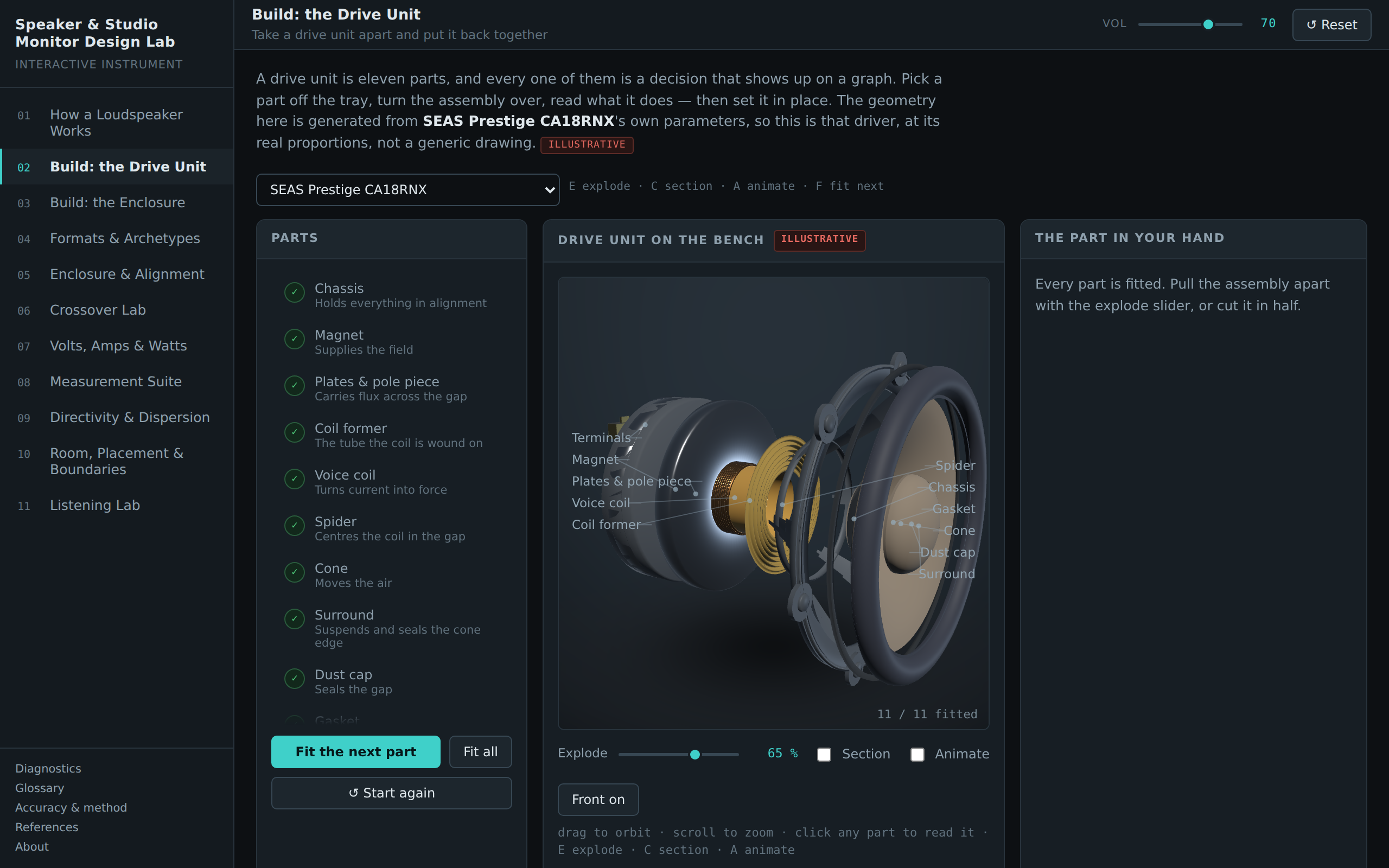
02 — Build: the Drive Unit. Eleven parts on a bench. Pick one up, read what it does and what it costs you, then set it where it belongs. Assembly order is enforced, because a spider cannot be fitted after the cone. The geometry is generated from the chosen drive unit's own parameters, so swapping a 7-inch woofer for a 10-inch subwoofer makes the voice coil longer and the magnet heavier, drawn to scale.
03 — Build: the Enclosure. The same bench, a different assembly: front panel, shell, bracing, damping, port or line, drive units, crossover or amplifier, grille. The cabinet's proportions come from the volume you specified; the port is the length its tuning demands. Cut it in half and watch the back wave leave the cone.
04 — Formats & Archetypes. Fourteen named designs as one-click presets — nearfields, midfields, soffit-mounted mains, subwoofers, coaxials, dual-concentrics, sealed, reflex, passive radiator, infinite baffle and transmission line, active and passive. They are presets, not special cases: four independent choices over one parametric loudspeaker.
05 — Enclosure & Alignment. Live F3, Qtc, port length, port air speed, sensitivity, maximum level. It will tell you when your port is longer than your cabinet is deep, when it is about to chuff, and when you are about to destroy a tweeter.
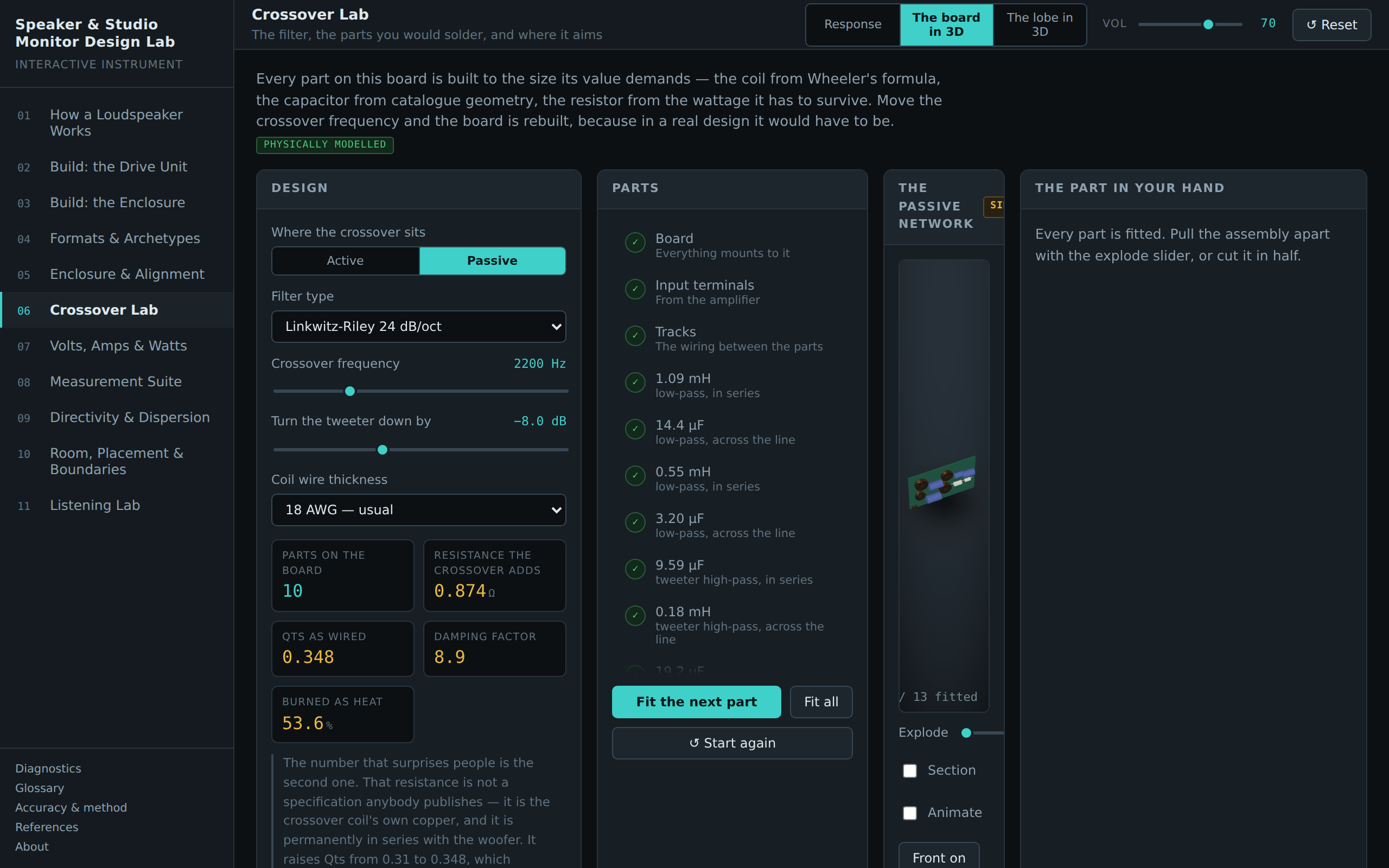
06 — Crossover Lab. Three views of one crossover. The response, with a live reverse-null test. The board in 3D, where every part is built to the size its value demands — drag the crossover down an octave and watch the coils grow into the biggest things on it. And the radiation lobe in 3D, because two drive units a few inches apart are an array, and the filter decides where the array points.
07 — Volts, Amps & Watts. Active against passive, in electricity rather than opinion. Where the power actually goes, what the amplifier is really connected to, and what the crossover coil's own copper does to the bass. The two rules of thumb everybody repeats — "2.83 volts is one watt" and "most of the power goes to the woofer" — examined rather than repeated.
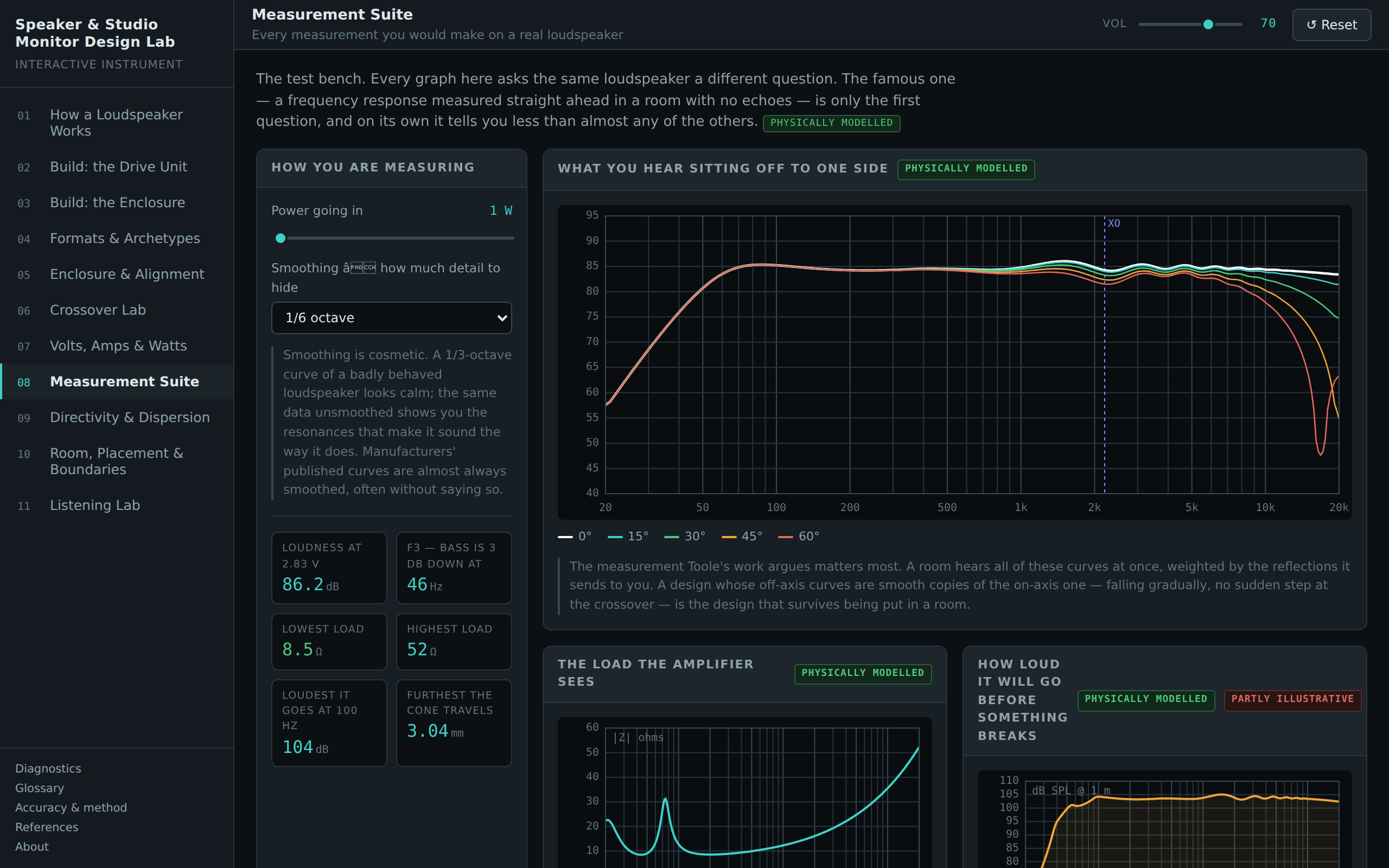
08 — Measurement Suite. Off-axis family, impedance, maximum level against frequency, step response, and an estimated distortion curve, with variable smoothing so you can see how much a third-octave curve hides.
09 — Directivity & Dispersion. How evenly it covers a room rather than one seat. This is where you find out that a design can measure perfectly straight ahead and still be wrong.
10 — Room, Placement & Boundaries. Your actual room dimensions, your actual speaker and listening positions: resonances, the dip from the wall behind the monitors, the listening triangle, RT60 and the point above which room correction stops being able to help.
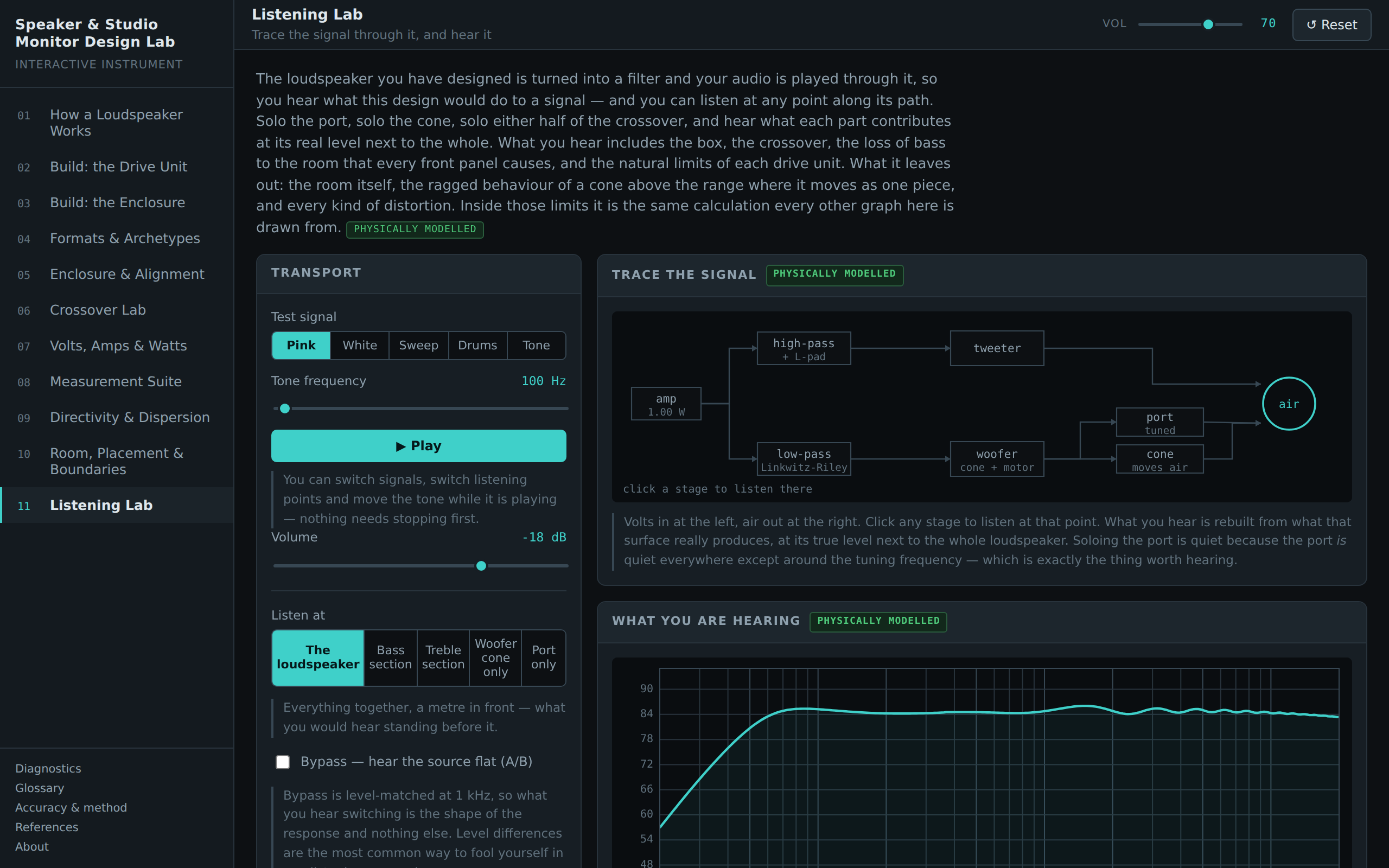
11 — Listening Lab. Hear what you built, on pink noise, white noise, a sweep, a tone, drums — or your own audio file. And listen at any point along the signal path: solo the woofer cone, solo the port, solo either half of the crossover, and hear what each part contributes at its real level. Nothing is uploaded; your file is decoded in your browser and discarded when you close the page.
KEYS
1–9, 0 and − jump between modules. G opens the glossary. On the workbenches: E explodes, C cuts it in half, A sets it running, F fits the next part.
REQUIREMENTS
Any current browser. Runs entirely offline once loaded — no account, no network access, no data collection. Audio needs one click to start, because browsers require it.
Leave a comment
Log in with itch.io to leave a comment.